Calendar toolkit for product teams

A lightweight calendar library for modern scheduling products.

Build fast calendar interfaces for React, Vue, Angular, and Svelte. DayFlow handles multi-view calendars, event editing, search, resource planning, localization, and print workflows so your product can focus on the scheduling rules that make it unique.

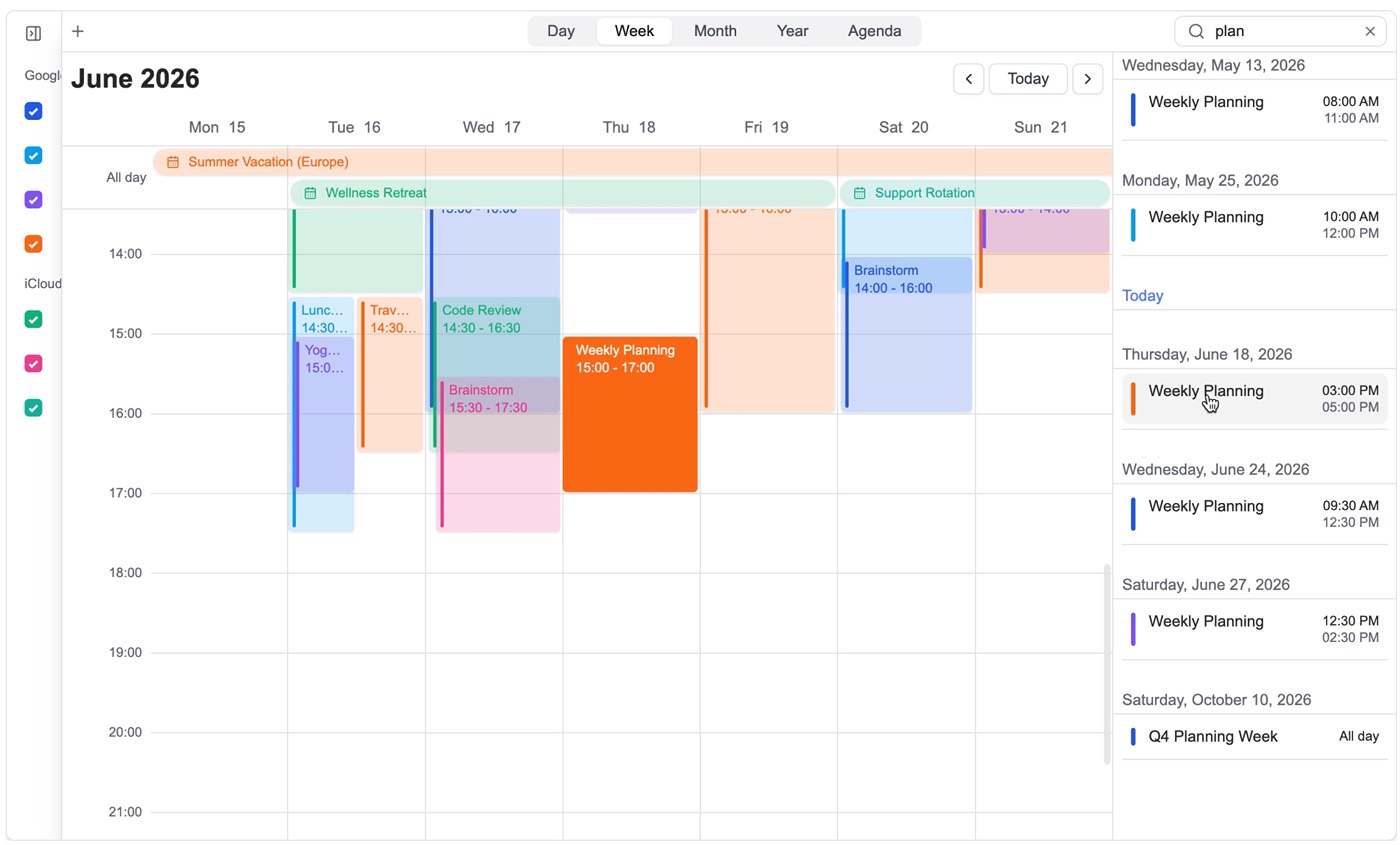
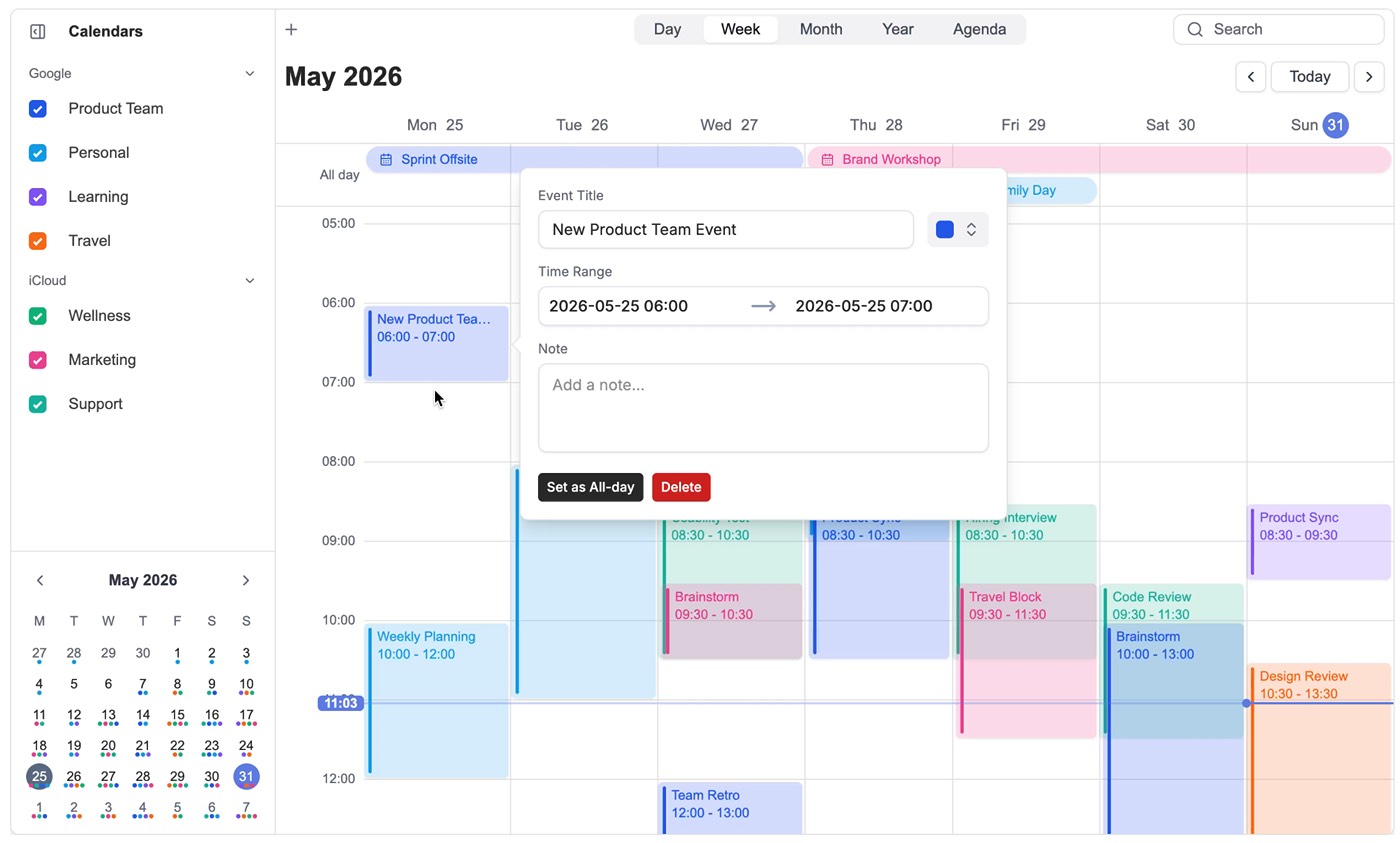
DayFlow week calendar with multiple calendars, events, sidebar, and search

Create and adjust

Scheduling interactions that feel native to your app

Users can create events directly on the calendar, resize time blocks, edit details, and keep momentum with keyboard-first navigation. The component owns the calendar mechanics while your app owns the data model and business rules.

  • Fast event creation from the visible time grid
  • Drag and resize behavior for day and week planning
  • Custom event content and detail experiences
  • Works with local state, remote APIs, and sync adapters

Native components for your stack

React
Vue
Angular
Svelte

Search

Find events without losing your place

Search is built directly into the calendar, so users can quickly find the event they need while still seeing the surrounding schedule.

  • Search inside the calendar, not on a separate page
  • Quickly narrow down events in dense schedules
  • Open the right event and continue working from the same view
  • Works well with custom headers, toolbars, and command menus

Multiple views

See the schedule from the right distance

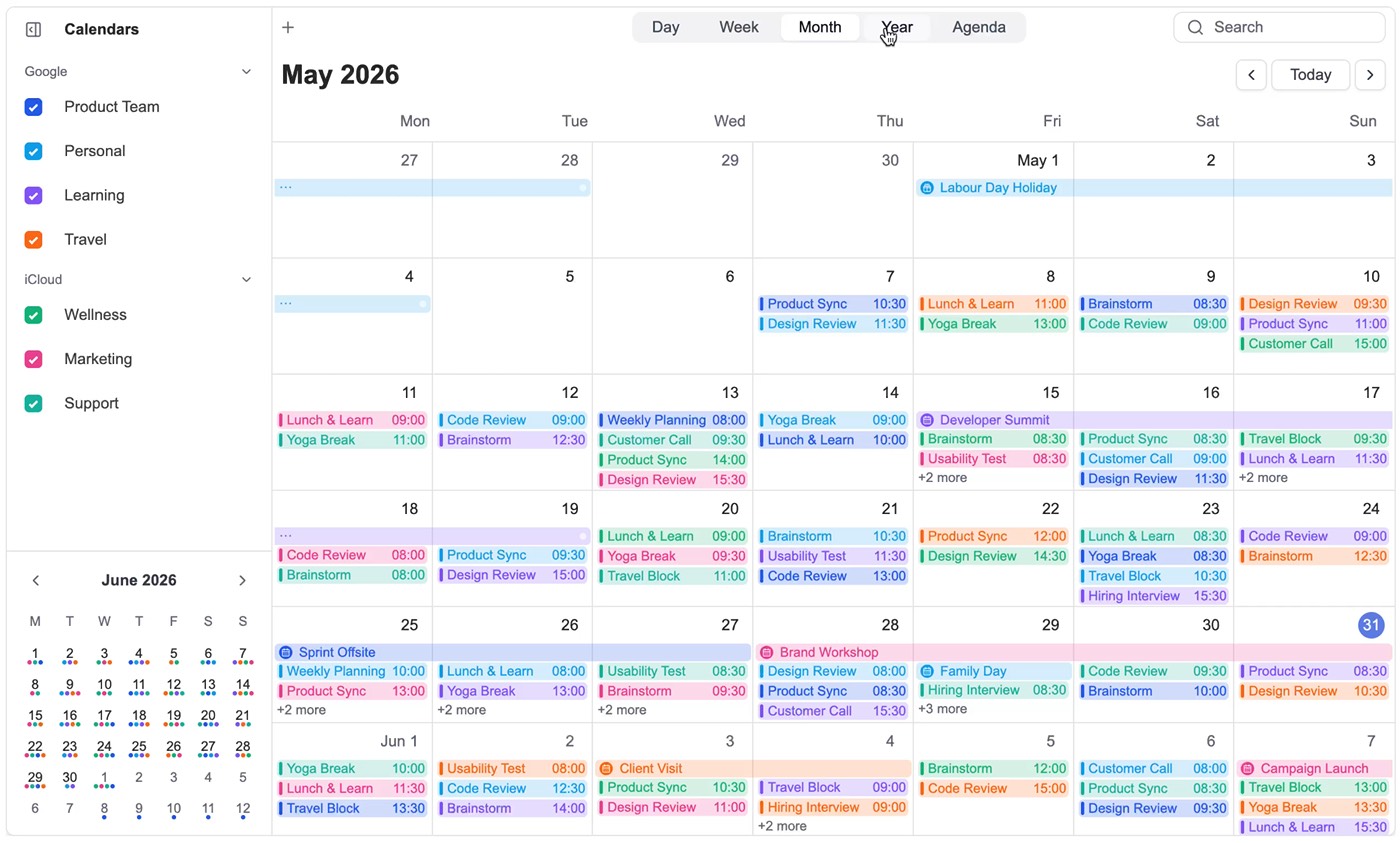
Some tasks need a detailed day view. Others need a wider picture of the month or year. DayFlow gives users different ways to look at time, without changing how events behave.

  • Day, Week, Month, Year, and Agenda views
  • Big Year, Fixed Week Year, and Grid Year views
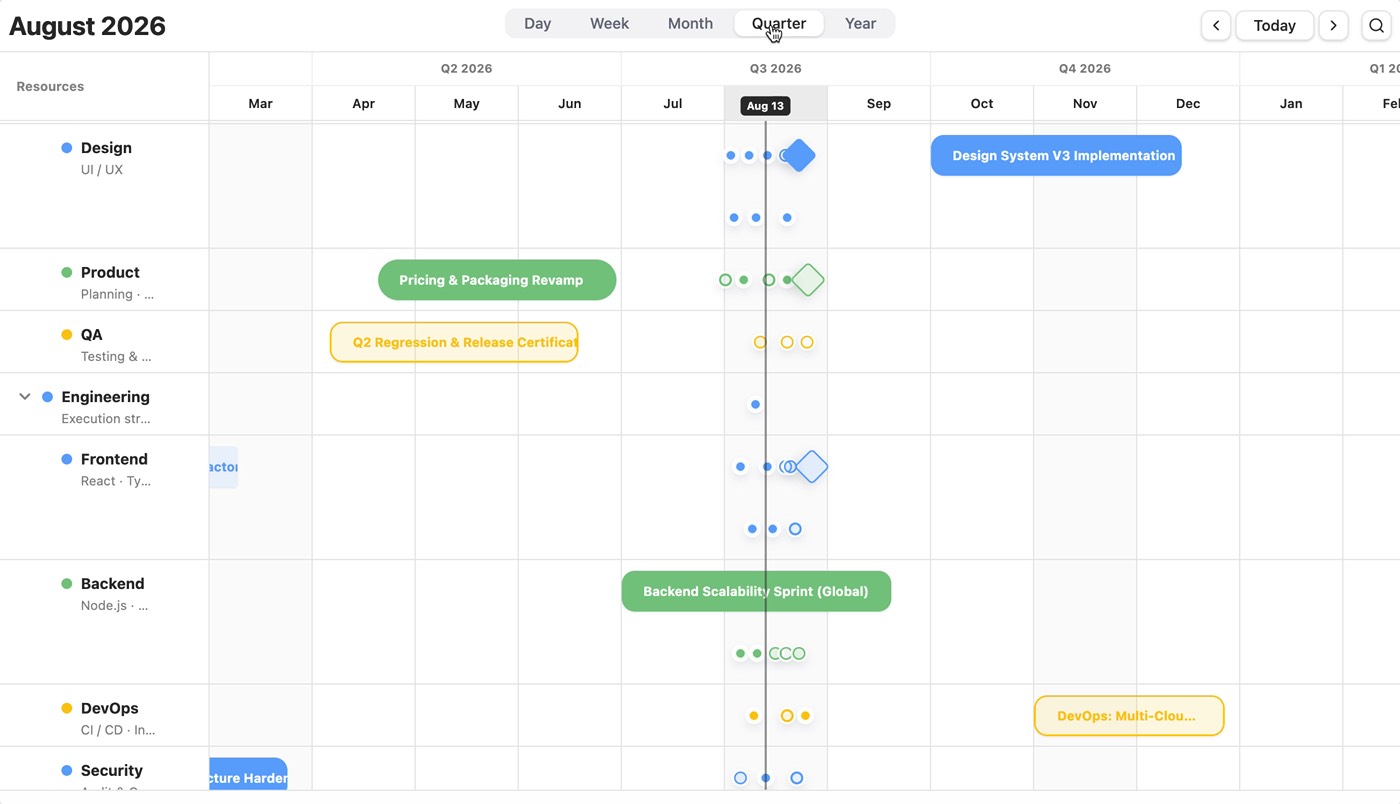
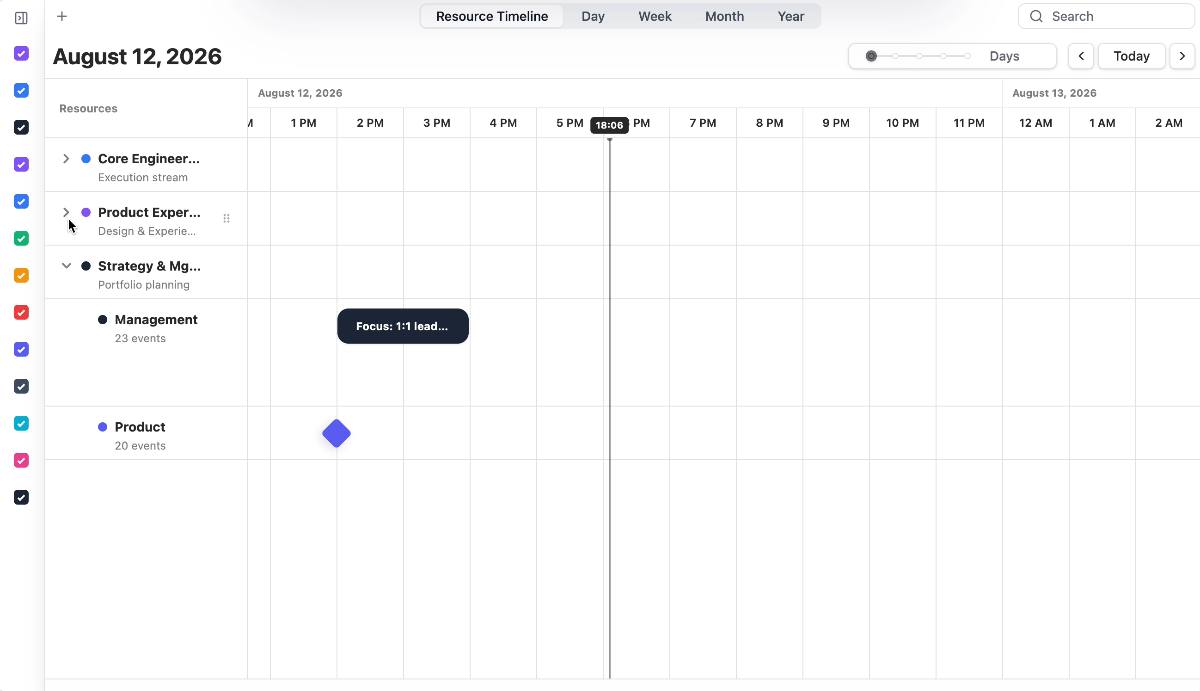
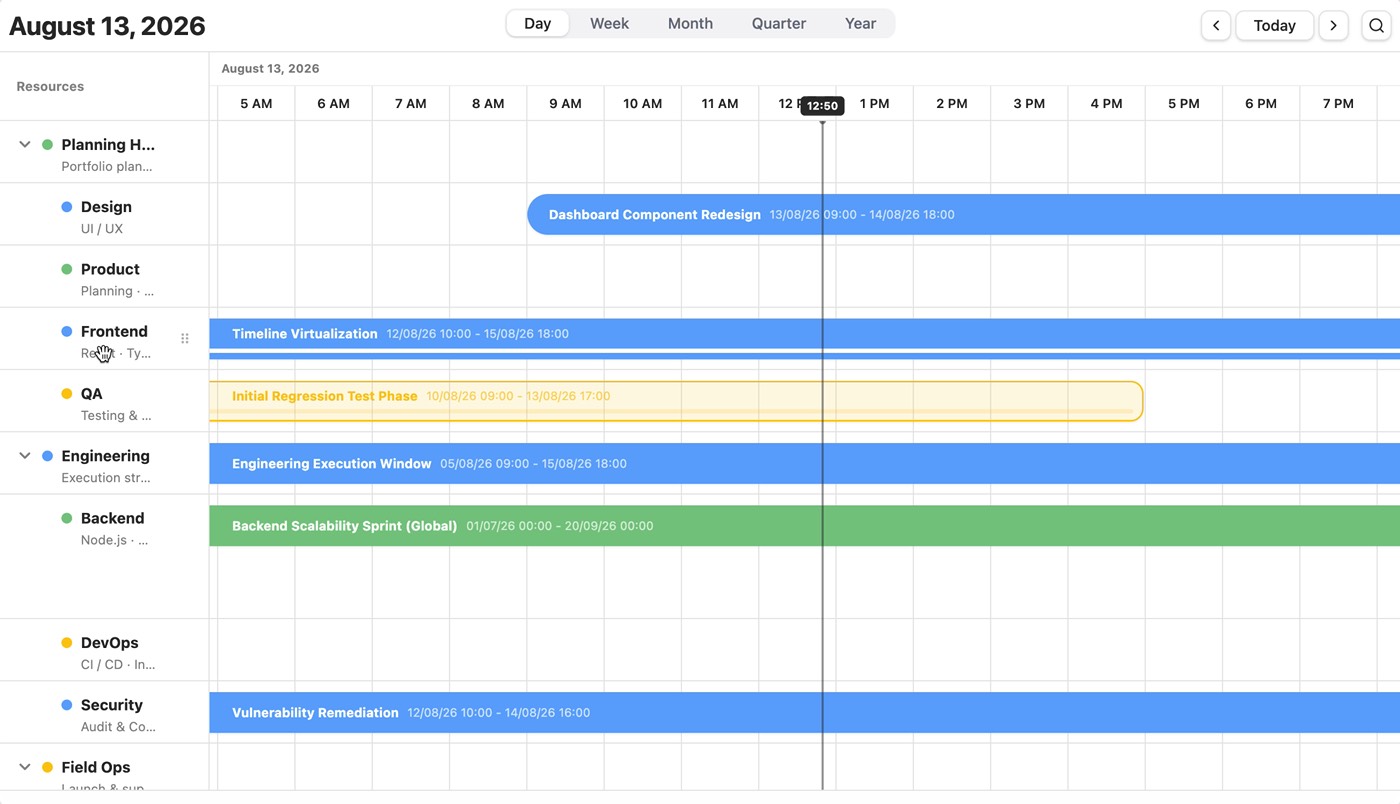
  • Timeline and Grid views for resource and schedule planning
  • Consistent colors, interactions, and navigation across views

DayFlow Pro

Add advanced planning when needed

DayFlow Pro adds larger planning tools on top of the core calendar. It is useful when your product needs resource scheduling, printable calendars, or more structured planning views.

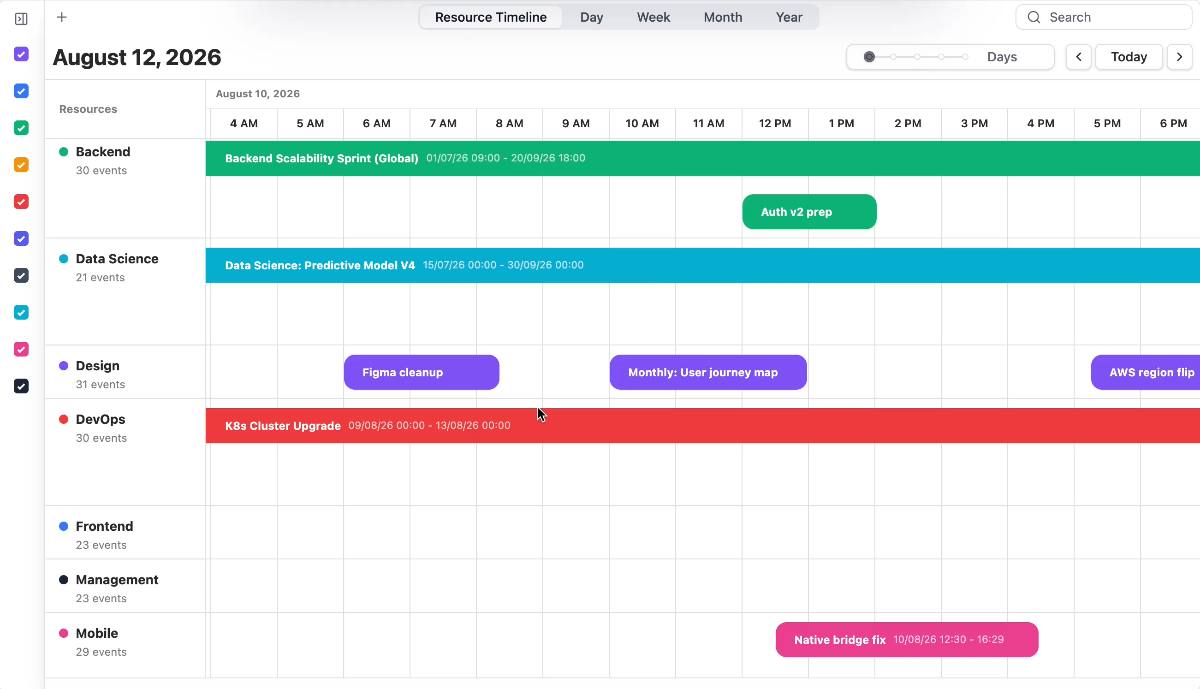
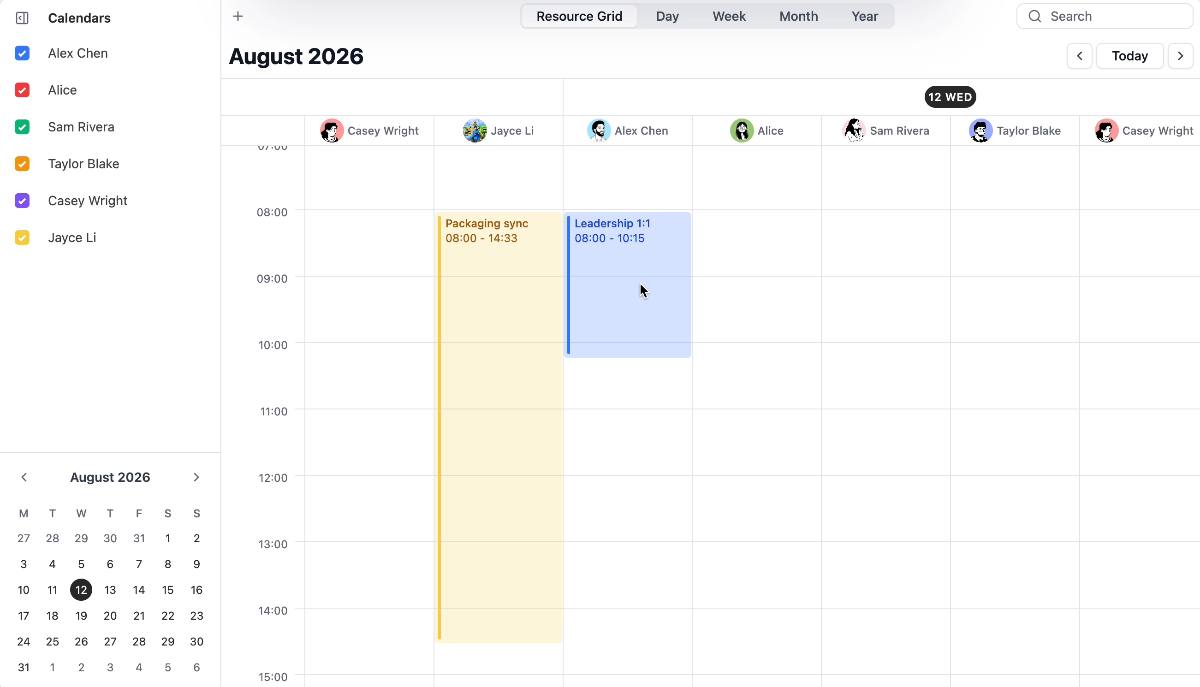
DayFlow resource grid view showing schedules by resource

Resource Grid

Plan events across people, rooms, equipment, teams, or any custom resource.

Resource Grid is designed for products that need to compare availability, assign work, and manage schedules across multiple resources.

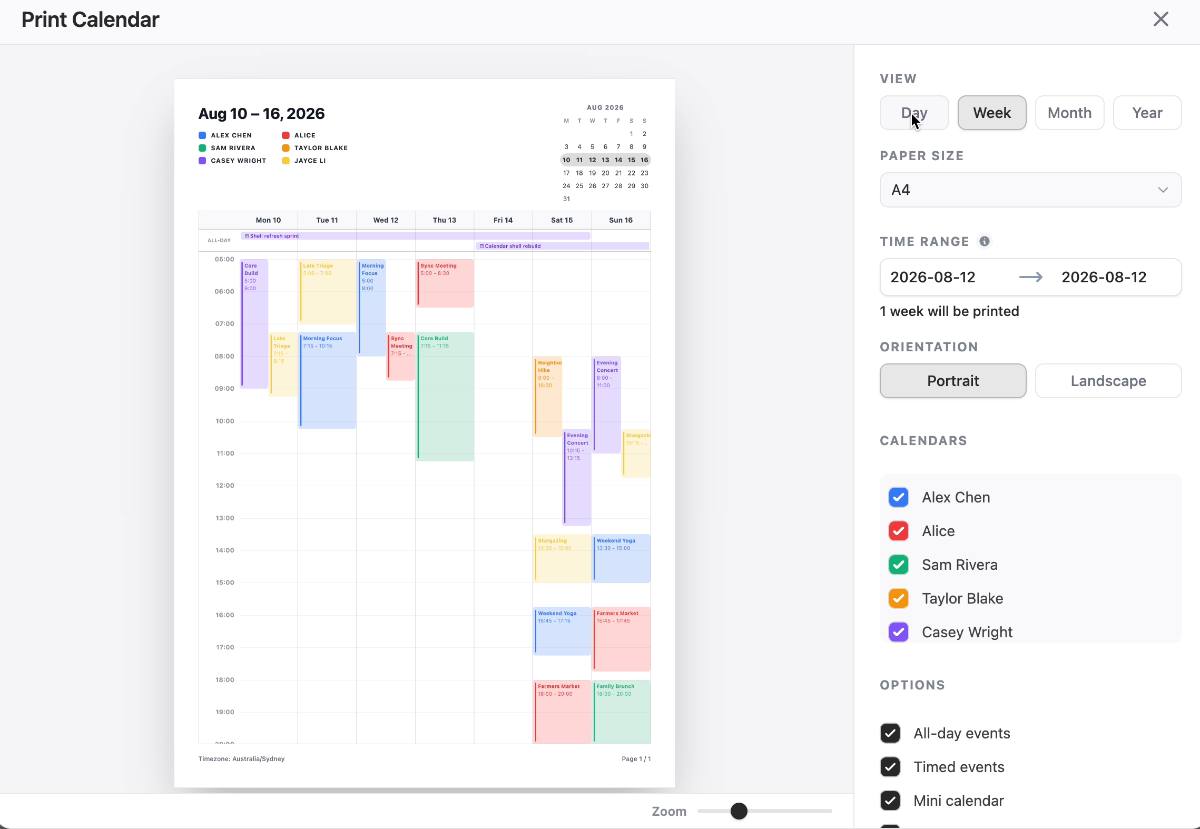
DayFlow print calendar settings and year preview

Print Calendar

Create clean calendar output for reports, customer handoff, internal planning, or offline review.

Print Calendar helps users turn calendar data into polished layouts that are easier to share, print, or archive.

Build with DayFlow

Add a production-ready calendar to your product.

Start with the open source packages, then move into Pro views when your scheduling workflow needs resource planning or printable operations output.

MIT 2026 © DayFlow.